Does this plug into my laptop's USB port, or does it use its own charger?
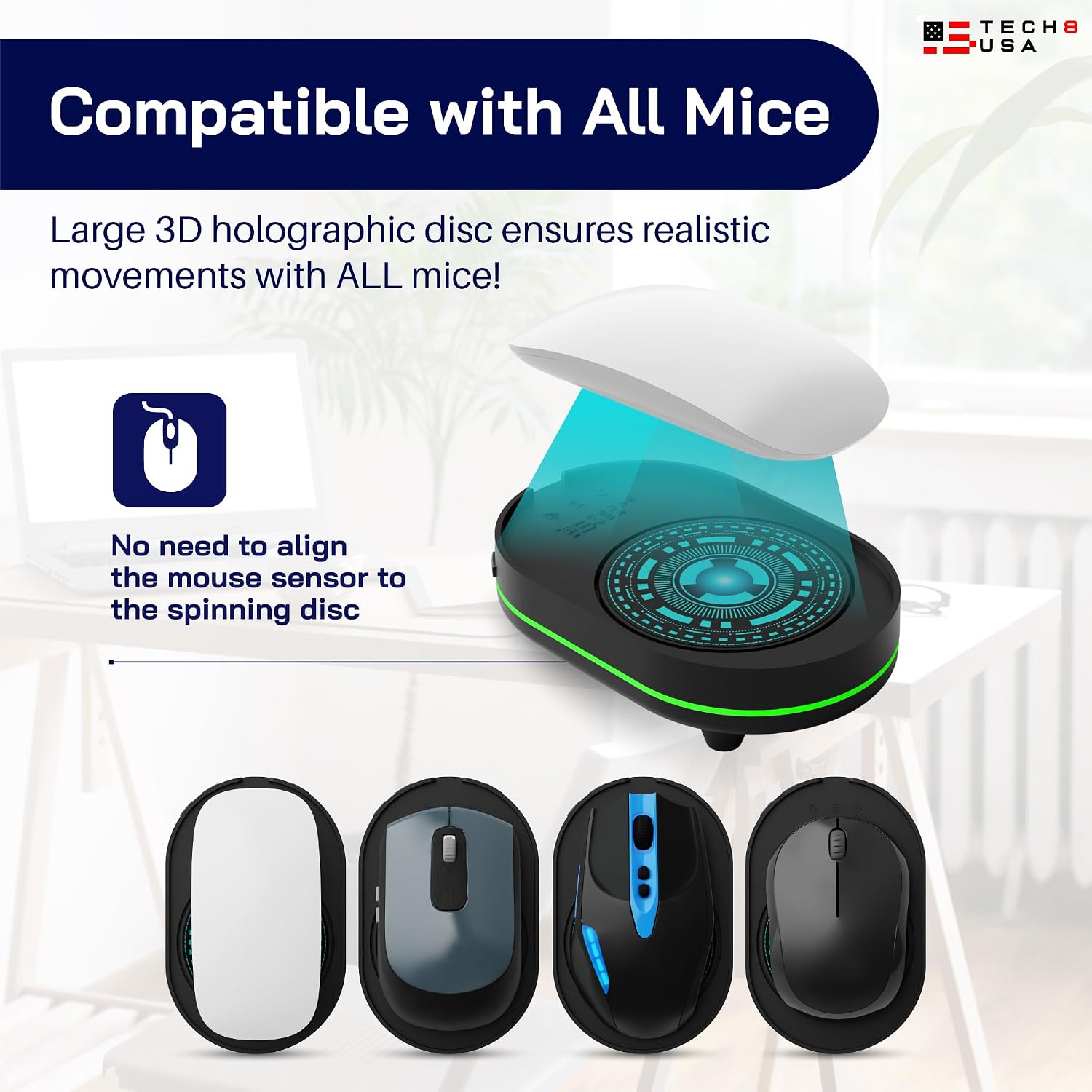
It uses a USB cable for power only, and the best place to plug it in is a wall adapter or an old phone charger. It never needs a data connection to the computer, because it works by physically moving your mouse. That is why it gets around 'no software, no IT permissions' restrictions: there is nothing on the laptop for a policy to block.
How long does it run before I need to plug it in again?
Plugged into a wall adapter it runs for as long as you leave it on, with no time limit. The auto shut-off timer is the only thing that stops it: set it to 1 or 2 hours if you want it to switch itself off, or leave it on no timer for continuous use. The timer goes back to no timer each time you power the unit off.
Will this get flagged or blocked by my company's IT department?
Software won't see it: nothing is installed and nothing connects to the laptop, so it works even on machines that block external USB devices, as long as you power it from a wall socket. It's still a physical device sitting on your desk, though, and the movement comes at regular intervals without any clicks, so anyone looking closely at your activity pattern could tell. Check your employer's policy before relying on one.
Is it actually silent?
Close, but not quite. TECH8 calls it soundless, and it is quiet enough to sit beside while reading or working, but the motor makes a low hum each time the disc turns. In a silent room you will hear it; in an ordinary home office most people stop noticing it.
What happens if it breaks or stops working?
Some units do fail within a few months, so it is worth knowing the support options. TECH8 offers 30-day returns and Austin-based customer support, and the company has a reputation for replacing faulty units even when it doesn't strictly have to. Reliability past the return window isn't guaranteed, but the support is a genuine positive.
Does the cursor movement look natural?
At a glance, yes. Each burst lasts a few seconds and alternates direction, so the cursor sweeps across the screen in different ways and sometimes jumps from one side to the other. Over several minutes, though, the regular interval between bursts becomes obvious, and it never clicks. It keeps a screen awake reliably; it does not imitate a person at work.